Multiple Roblox instances
Each account gets its own Roblox window — true multi-instance play, not tab switching.
Searching multi roblox or multiroblox? This page explains how to run multiple Roblox accounts, open multiple Roblox instances, and use a Roblox account manager without juggling logins. When you are ready, install Multi Roblox on our main site.
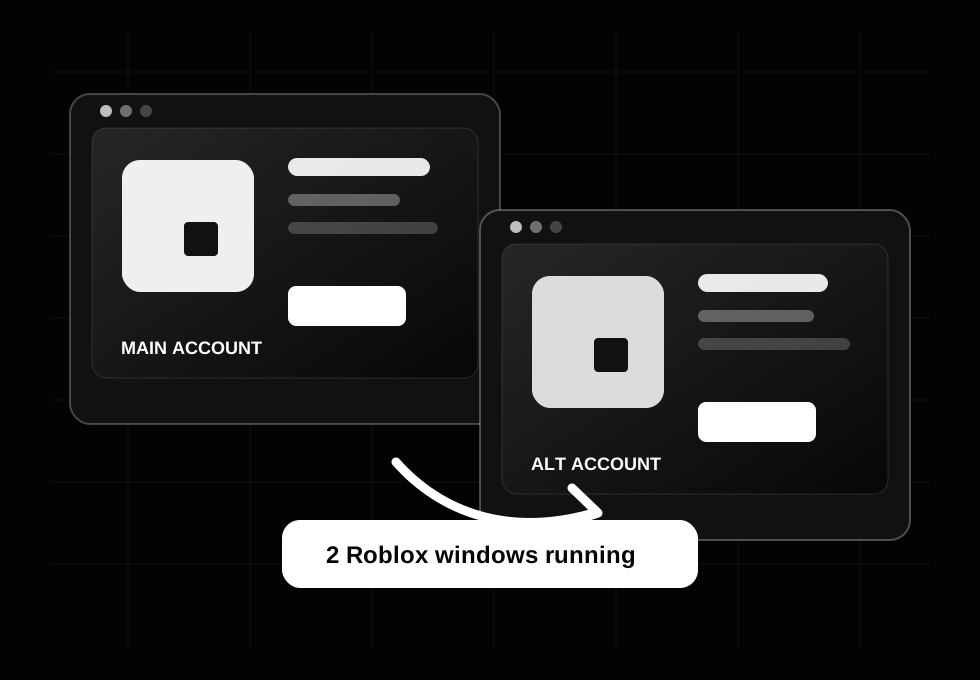
Multi Roblox is shorthand for playing with more than one Roblox account on the same machine — usually by opening multiple Roblox instances (separate game windows) instead of signing out and back in. Players also search multiroblox, roblox multi instance, or how to run multiple roblox accounts at once when they want a main plus alts in one place.
Roblox’s website only keeps one active web session per browser profile. A dedicated Roblox account manager stores each identity, then launches multiple Roblox accounts at once into the client so you can play Roblox on 2 accounts at the same time (or more) when the experience allows it.
Each account gets its own Roblox window — true multi-instance play, not tab switching.
Pick mains, traders, or farm alts from a roster with avatars and status.
Launch selected alts into the place ID from your current roblox.com game tab.
Whatever your reason, the workflow is the same: save accounts safely, then use a tool built for how to launch multiple Roblox accounts at once — not manual cookie copying.
Old multi roblox downloads inject into the Roblox player. They can stop working after Roblox updates and are harder to trust. Multi Roblox takes a browser-first approach aligned with how many players already use Roblox on PC.
| Approach | Pros | Cons |
|---|---|---|
| Multi Roblox (Chrome extension) | Roster + launch/join from one panel; fits how to use Roblox account manager guides; no player patching | Requires Chrome (or Chromium); unpacked install |
| Separate browser profiles | No extra software | Slow to switch; easy to mix up sessions |
| Legacy desktop multi instance | Launched raw .exe instances in the past | Update fragility; security concerns with unknown binaries |
For screenshots, video tutorial, and the full feature list, visit the Multi Roblox homepage.
Follow these steps for how to have 2 Roblox accounts open at once on PC (or more) with Multi Roblox.
Get MultiRoblox.zip (v2.1.2), extract it, open chrome://extensions, enable Developer mode, and Load unpacked.
Log into roblox.com for each player. Open the extension → Add account. Repeat until your roster lists every alt.
Navigate to any Roblox game page. Select accounts → Launch selected or Launch all. Each opens its own window — multi Roblox without logout loops.
It means running multiple Roblox accounts or multiple Roblox instances together on one PC — the goal behind searches like multi roblox and roblox multiple accounts.
Save both accounts in Multi Roblox, open a game page, and launch both into the client. You get two Roblox windows — one session per account.
No. Legacy executables patched the player. Multi Roblox is a Roblox account manager Chrome extension focused on roster, switch, and launch — see the main site for details.
Only from https://multiroblox.app/ — use the Download button for MultiRoblox.zip. This guide page links there; always verify the domain.